AI Manga Translator
Use OCR, translation, and image rendering in one workflow to turn manga page text into readable dialogue without manually extracting every bubble.
Drag & drop an image here, or click to select
Supported formats: PNG,JPG,WEBP | Max 15MB per image | Max 10 images
Why choose our AI Manga Translator?
OCR-first manga text detection
Detect dialogue, captions, and small panel text before translation begins, so you do not need to copy manga text by hand.
AI-assisted page redrawing
After translation, the result is rendered back onto the image so the page stays closer to a readable manga panel instead of a plain text transcript.
How to use AI Manga Translator?
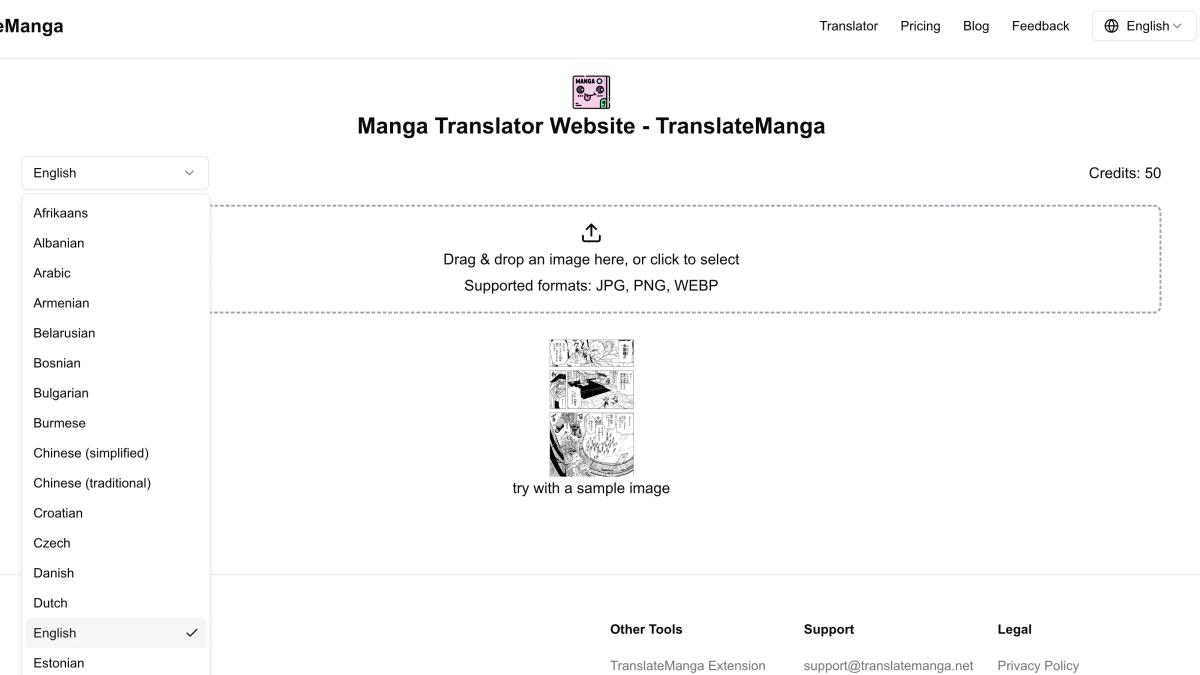
1. Let AI read the manga page
Upload a clear manga image and the tool scans speech bubbles, captions, and visible text areas before translation begins.
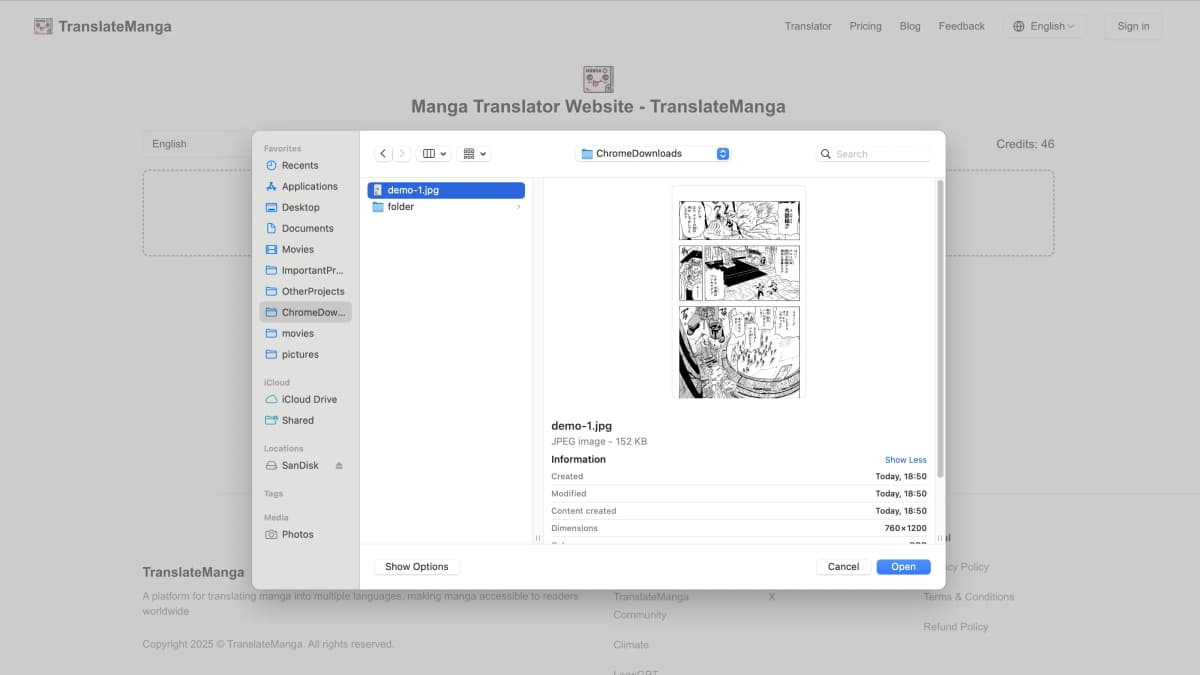
2. Translate detected dialogue
Choose your target language and let the AI manga translator convert detected manga text into readable dialogue.
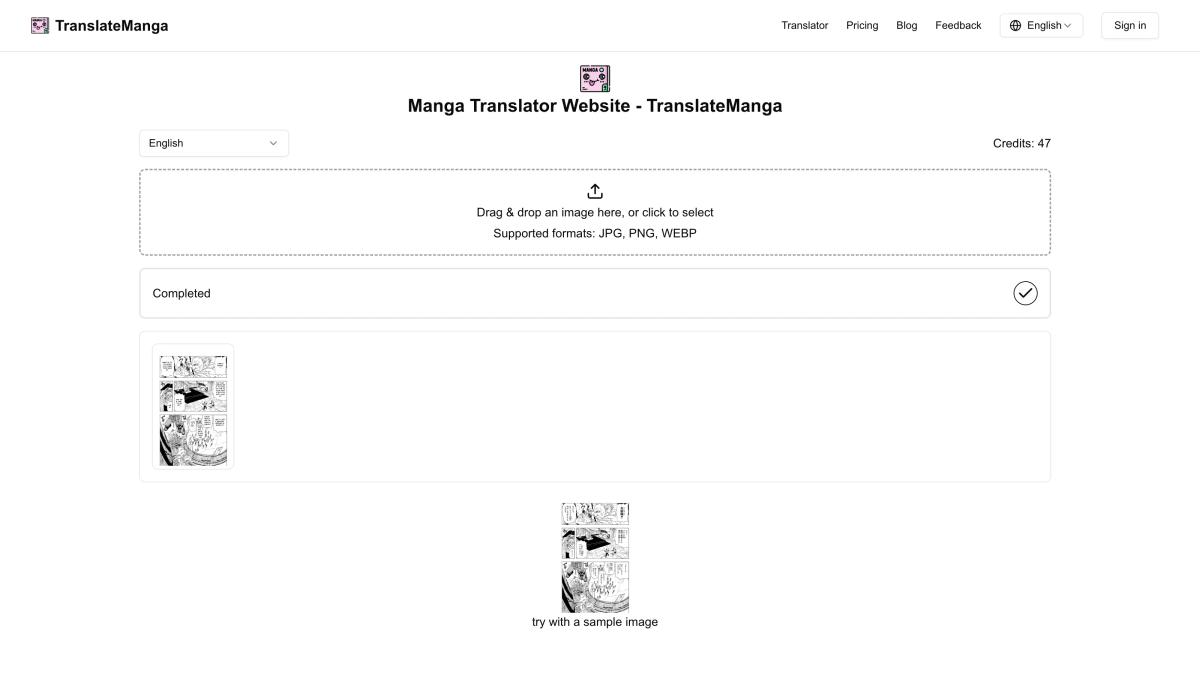
3. Review the rendered page
Check the translated image, refine it if needed, and use the result as a readable version of the original manga page.
FAQ
Answers to common questions about the AI manga translation workflow.
How is an AI Manga Translator different from a regular translator?
A regular translator usually expects copied text. An AI Manga Translator works from the image itself by detecting manga text, translating it, and rendering the result back onto the page.
Does it extract manga text automatically?
Yes. The workflow starts by scanning the uploaded manga image for visible text areas such as speech bubbles, captions, and panel text.
Can it translate text inside speech bubbles?
Yes. Speech bubbles are one of the main use cases. Clear bubble text usually produces better detection and a cleaner translated result.
Will I get a translated image or only plain text?
The output is a translated image, not just a plain text transcript, so you can read the manga page with the translated dialogue in context.
What kind of manga image works best?
A clear image with readable text, minimal blur, and visible speech bubbles works best. Very low-resolution scans or heavily stylized lettering may need extra review.