Manga Editor
Translate manga text, refine the layout, erase unwanted content, and draw directly on your image. Export the result or save your project for later.
Drop your images here
Supports JPG, PNG, WebP, GIF, and .manga projects · Max 15MB per image
Everything You Need to Edit Manga
Move from translation to final artwork in one focused workspace.
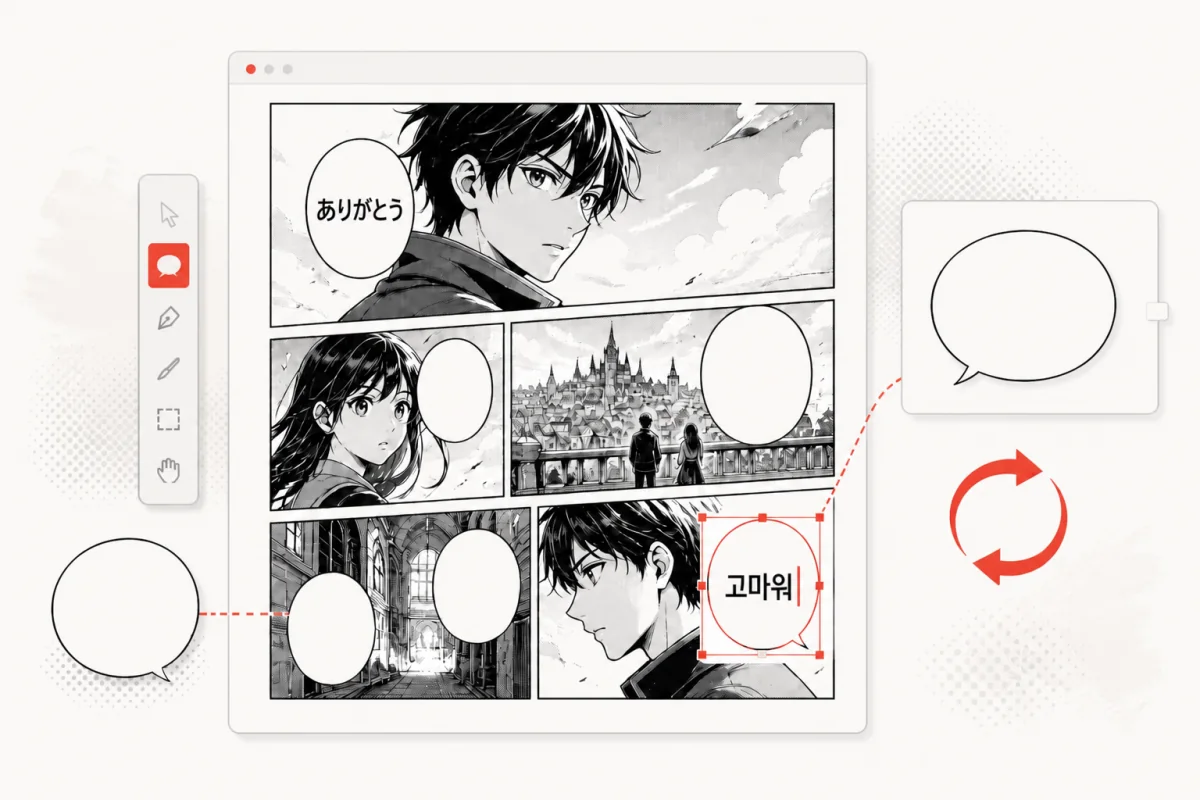
Translate and Edit Text
Translate manga text, then adjust the wording, font, color, and layout to fit each panel.
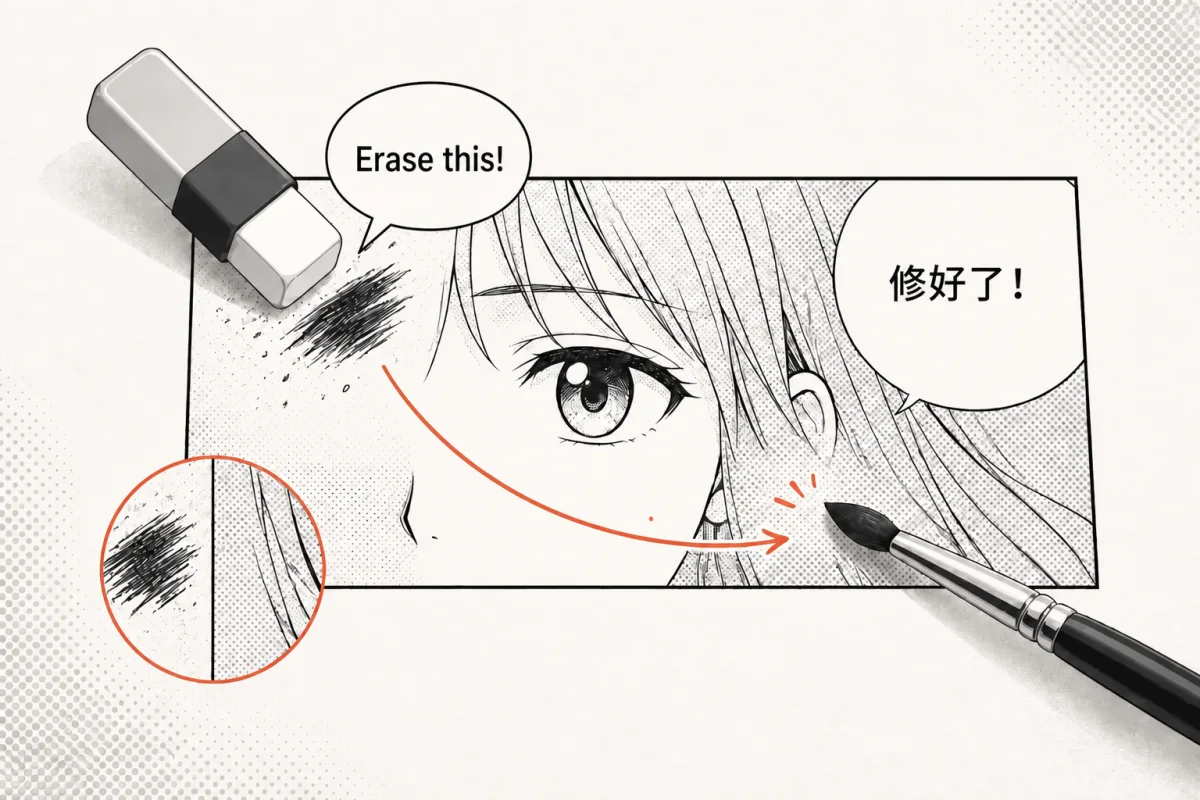
Erase and Paint
Remove unwanted text or artwork and use the paint tools to retouch the image directly.
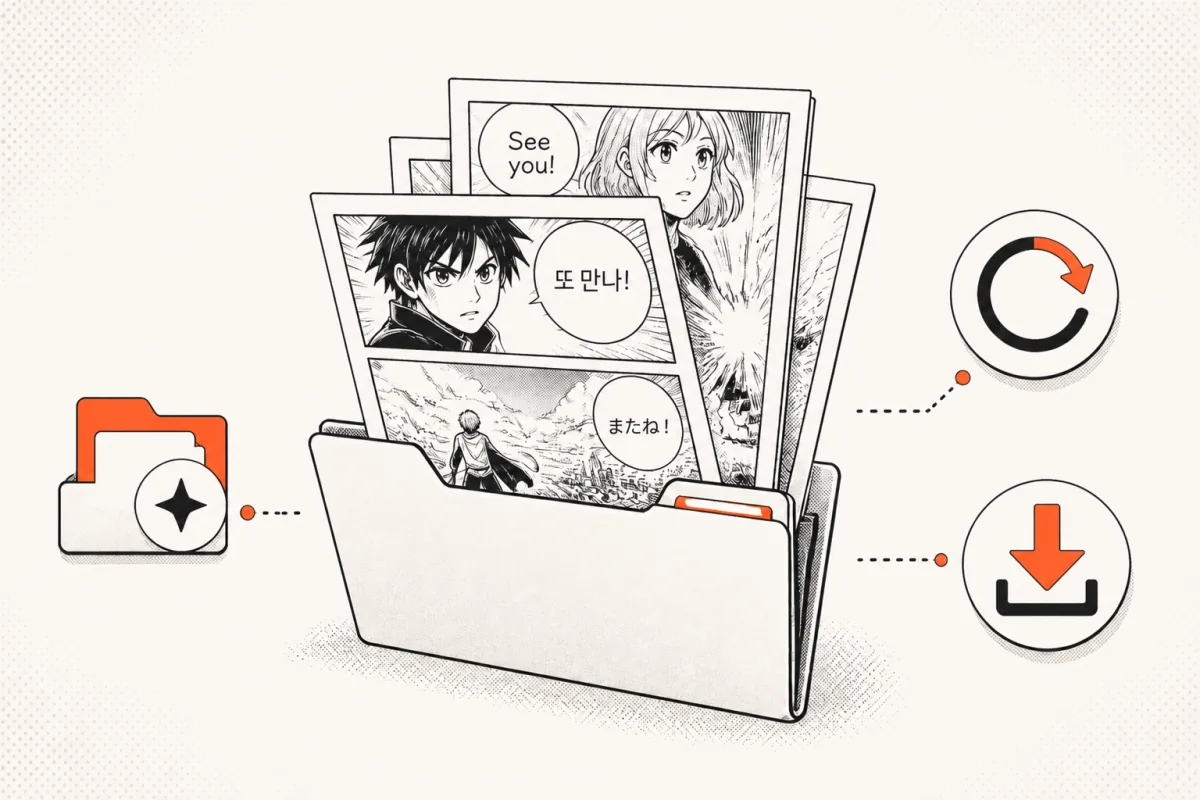
Save, Reopen, and Export
Export the finished image as a PNG, or save a .manga project and continue editing it later.
Start Editing Your Manga Image
No software to install. Upload an image and begin editing in your browser.
↑ Back to the Editor