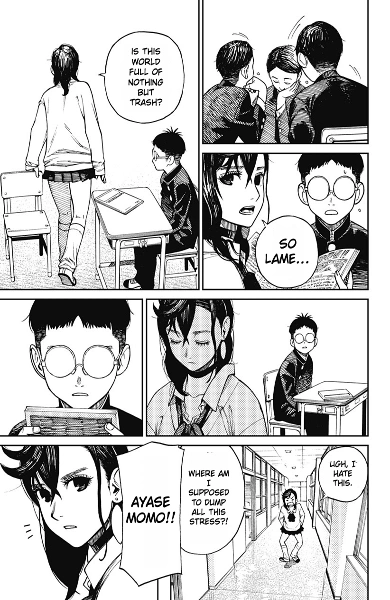
Batch processing
Add multiple pages to one queue and translate them together.
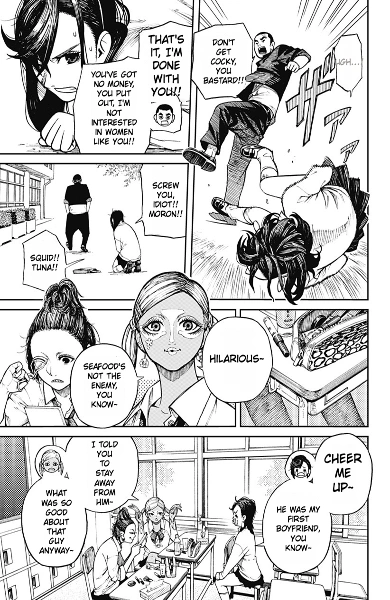
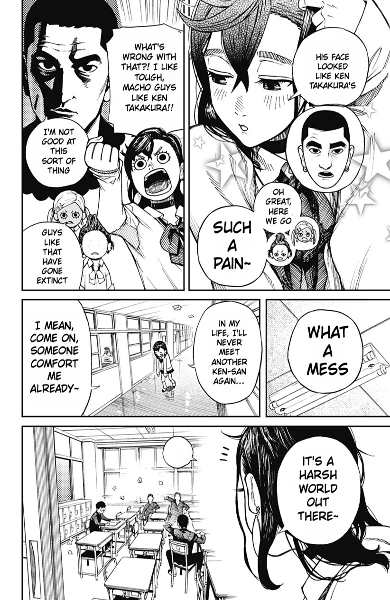
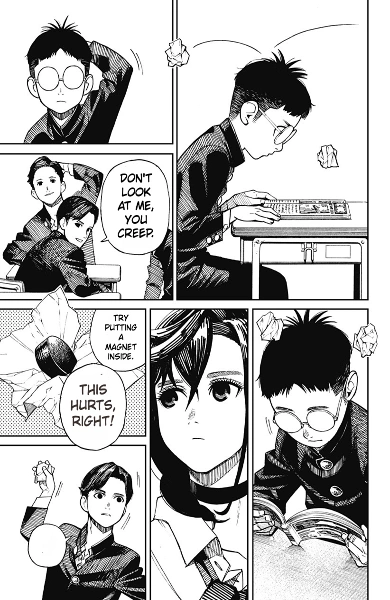
Upload manga images to automatically translate the dialogue, remove the original text, and fit the translated text into the speech bubbles.
Choose one image or upload multiple pages at once.
JPG · PNG · WEBP · Up to 15 MB · 10 images per batch
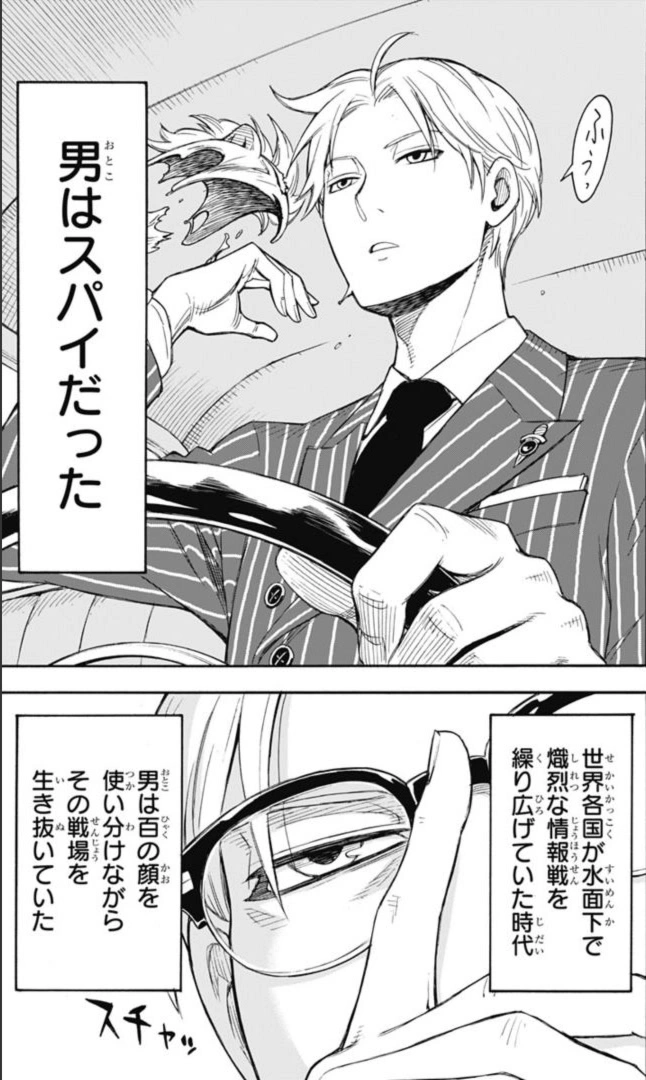
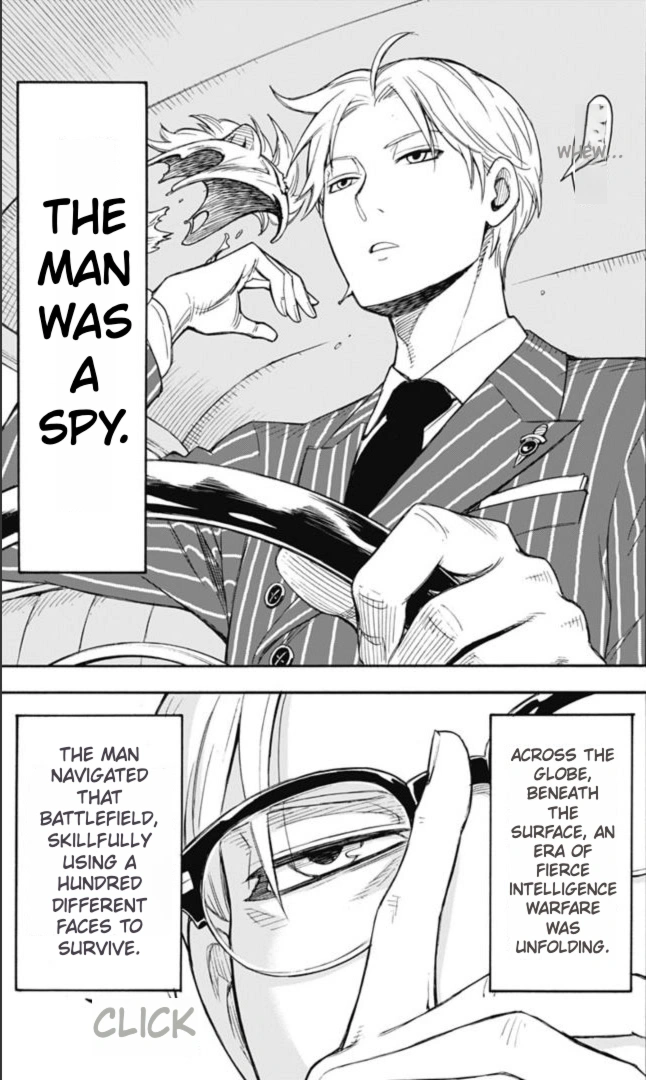
Spend less time copying dialogue, erasing text, and uploading pages one by one.
Automatically remove the original lettering before adding the translation. Spend less time erasing text by hand.
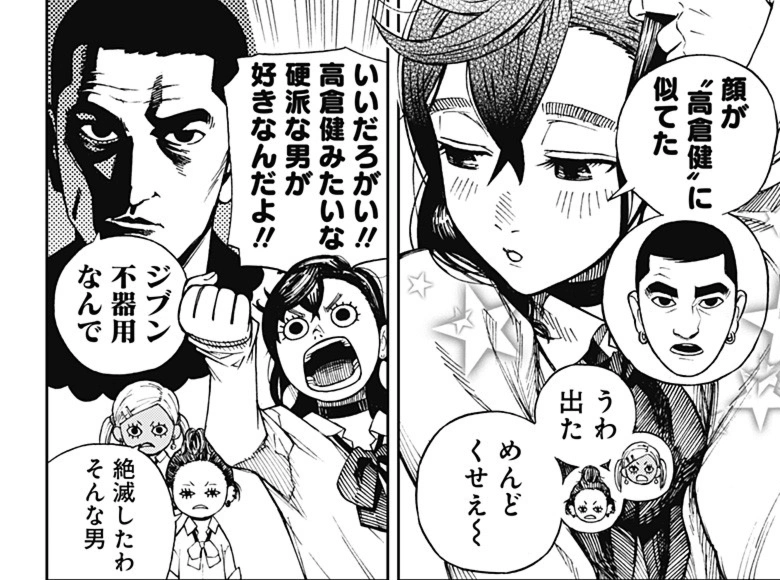
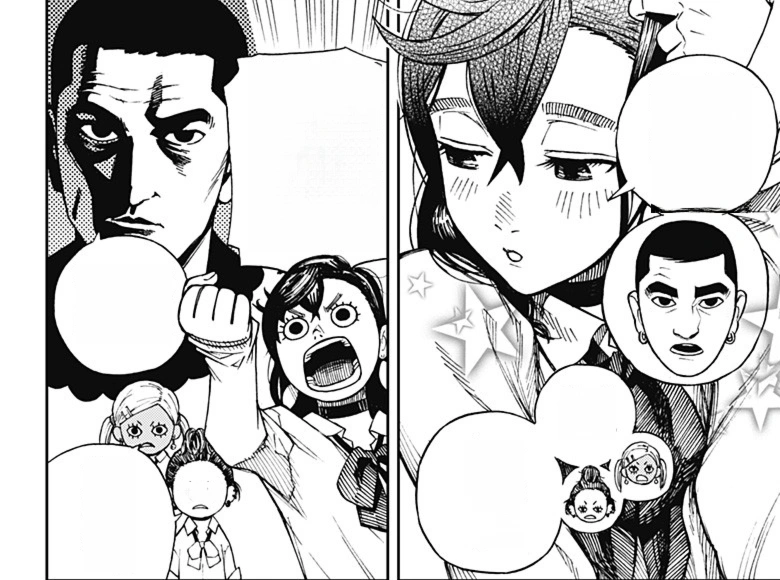
Translate manga dialogue without copying each line into another tool. Read the translated text inside the speech bubbles instead of switching between the image and a separate translation.
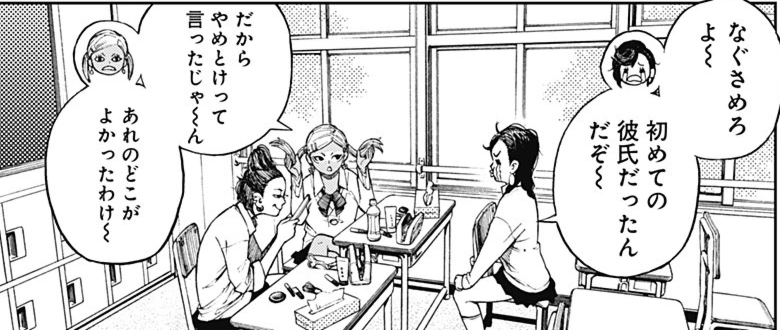
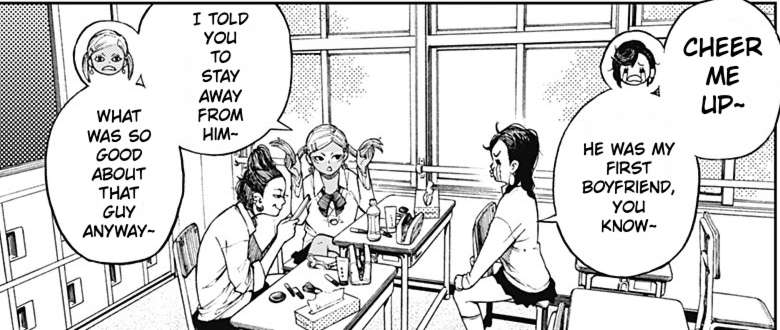
Upload several pages together and start translating in one step. No need to repeat the upload process for every image.
From recognizing the dialogue to fitting the translation, the details are taken care of.
Add multiple pages to one queue and translate them together.
Detect and read dialogue in manga panels and speech bubbles.
Translate manga dialogue quickly and get back to the story.
Recognize the original text colors and carry them into the translation.
Adjust font size and line breaks to fit the translated dialogue.
Clear the original text and repair the background for the translated dialogue.
Add one manga image or select multiple pages to translate together.
Select your target language, then start translation.
Save the finished images to your device and start reading.
Choose the plan that works best for you
Free trial
Start freeBilled annually
Billed annually
Billed annually
Answers to common questions about translating manga online from images.
A manga translator is an online tool, often called an ai manga translator when it uses OCR and image translation, that translates text inside manga pages into another language and keeps the manga image readable.
Choose a target language, upload a manga image, and start translation. The manga translator returns a translated manga image that you can read or download.
Manga translation uses credits based on your plan and usage. Choose a credit pack that matches how often you translate manga pages.
Yes. Limited free usage is available, and signing in does not add or reset it. If you need more translations or heavier usage, you can buy additional credits.
That is the goal. The translation workflow is designed to keep the original manga layout, artwork, speech bubbles, and reading flow as intact as possible while replacing the text.
Yes. You can translate Japanese manga pages into English and other supported languages directly from uploaded images.
Yes. The translator supports manga-style images including Japanese manga, Korean manhwa, and Chinese manhua.
You can cancel your subscription at any time. After signing in, open the Subscription page in your user profile and click “Manage subscription” to cancel.
You can upload common manga image formats such as JPG, PNG, and WEBP.
Upload a manga image and get a translated page back.
Free to translate